
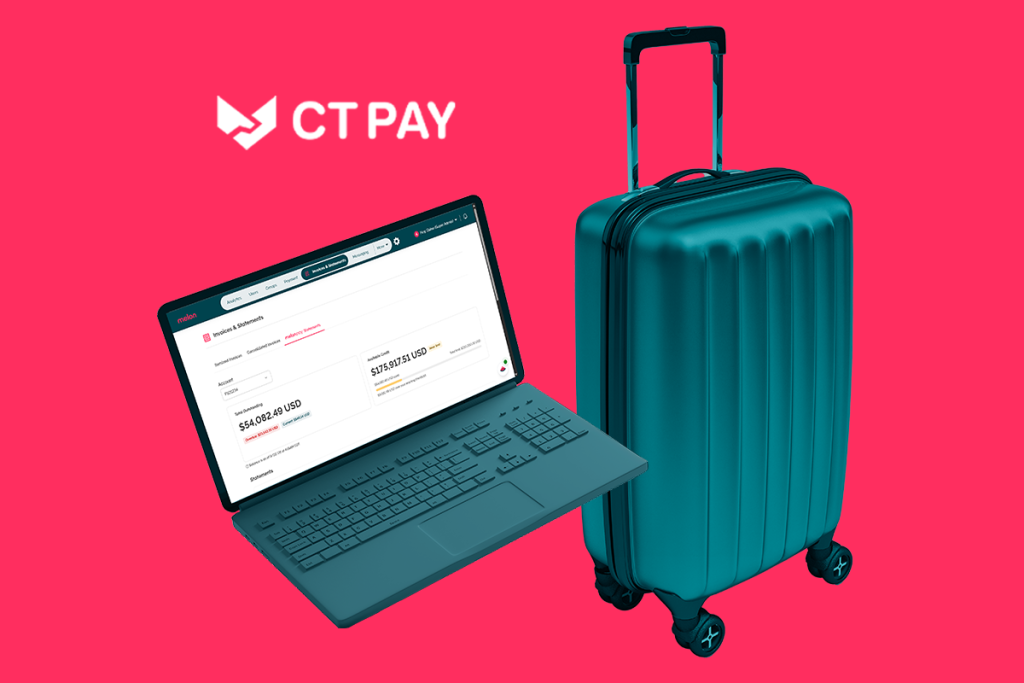
CT Pay: the simplest way to pay for business travel
Bill flights and hotels to your company account. No out-of-pocket costs for travelers, and no expense claims for finance to chase.
CT Pay is a business travel payment solution from Corporate Traveler that bills your flights and hotels straight to your company account. Travelers don’t pay upfront or claim anything back, and your finance team gets one itemized statement covering every booking, instead of a pile of expense claims.
What CT Pay takes off your plate


Your team pays. Finance chases. Month-end drags. Nobody wins.
Business travel payments are usually a patchwork of cards and receipts
Travelers put flights and hotels on personal cards, then wait weeks to be paid back. Meanwhile, finance chases receipts, hotel folios, and card statements like it’s a competitive sport.
Every trip touches three people: the traveler, finance, and accounting. Reconciliation turns into detective work, and the receipts are always the last to turn up.
How CT Pay works
With CT Pay, we handle the money part. Book through Corporate Traveler, and we pay the airlines and hotels. You get one itemized statement and settle it during your billing cycle. What's more, you can pay on account — so you book now and pay later. Subject to credit approval.
Why businesses choose CT Pay
A corporate travel payment solution should make life easier for travelers and finance alike. Here’s how CT Pay does it.
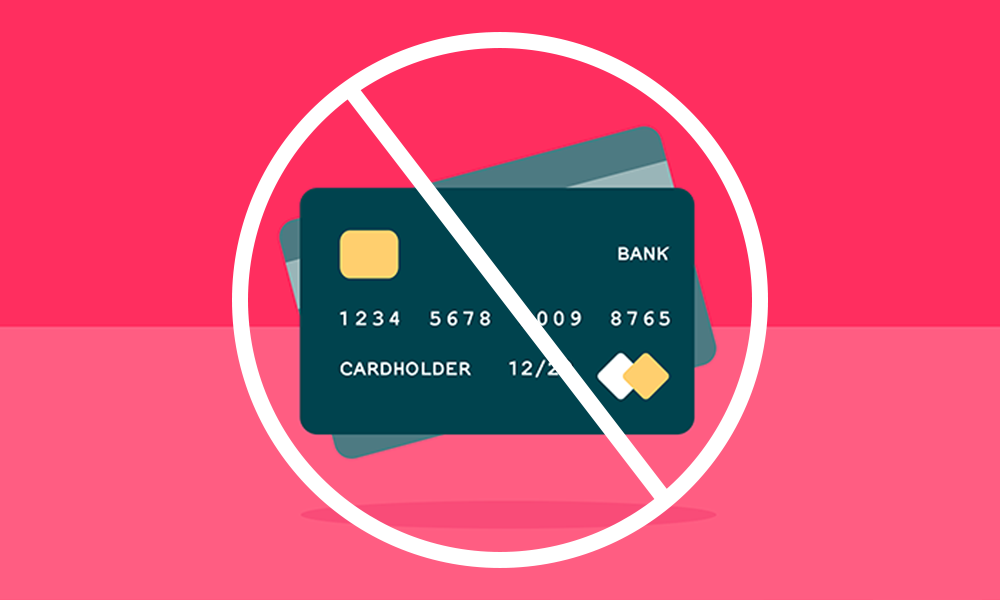
Cut the reimbursement runaround
Travelers book and go, and CT Pay handles the payment. Flights and hotels booked through us are paid from your credit account, so nobody fronts the cash on a personal card and nobody waits weeks to get their own money back. Travelers travel; finance reconciles.
Bring your travel billing together
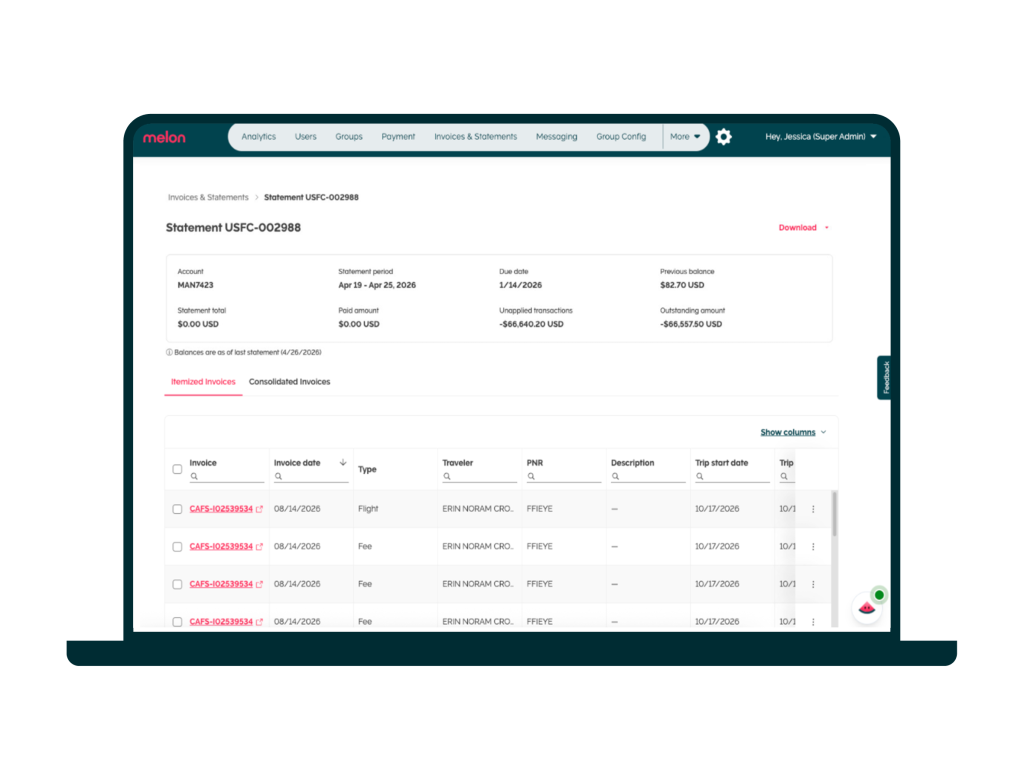
One consolidated statement replaces the pile of separate ones, so you spend less time matching card lines and chasing hotel folios. Here’s what your statement includes:
- It’s itemized by invoice, trip, traveler, and cost type
- It carries your cost centers, general ledger (GL) codes, and project codes
- You can download it as a PDF or Excel file for your finance team
- Your dedicated Travel Manager and customer success team are there to help with your statements

Give finance more payment flexibility
CT Pay is the built-in payment solution that covers your flights and hotels, and a structured billing cycle keeps your cash flow predictable. Payment terms, including your pre-approved limit, are agreed when your account is set up, with full credit visibility every month-end. One card’s limit won’t block the group booking, the offsite, or the hotel block.
Make business travel expense reconciliation easier
Reconciliation gets easy when everything lands in one place. Your statement is organized by your cost centers, so finance closes the month from one statement instead of dozens.

Keep control without the oversight
Travel policies are built into the booking flow, with out-of-policy options flagged before money is spent. Your pre-approved credit limit shows finance what to expect, and every traveler pays the same way, through one company account. You get control without someone babysitting the program every day.
These are the results*
* Based on data from the Australian product launch

What CT Pay delivers for your team
CT Pay takes the payment work out of business travel for everyone involved.
-
For finance
Every flight and hotel booked through us is charged to one company account, so there’s no manual receipt matching and no chasing hotel folios across a dozen properties.
- Your statement is itemized by trip, traveler, and cost type, and it carries your cost centers, GL codes, and project codes.
- Payment terms and your pre-approved limit are agreed up front, so a bill never arrives as a surprise.
- Finance closes the month from a single statement, which turns month-end into a review instead of a rebuild.

-
For bookers
Bookers charge flights and hotels to one company account, no matter who’s travelling.
- Contractors and project teams book on the same account as employees, so there are no one-time cards to issue, track, and reconcile.
- Group bookings and hotel blocks sit on your company’s pre-approved limit instead of one person’s card.

-
For travelers
Travelers book, check in with ID, and go.
- CT Pay handles the payment for flights and hotels booked through us, so nobody fronts the cost on a personal card, waits weeks to be repaid, or files an expense report for them.
- Booking and payment sit on one platform, so there’s one less thing to sort out before a trip.



Manage your CT Pay statements with ease, directly in platform
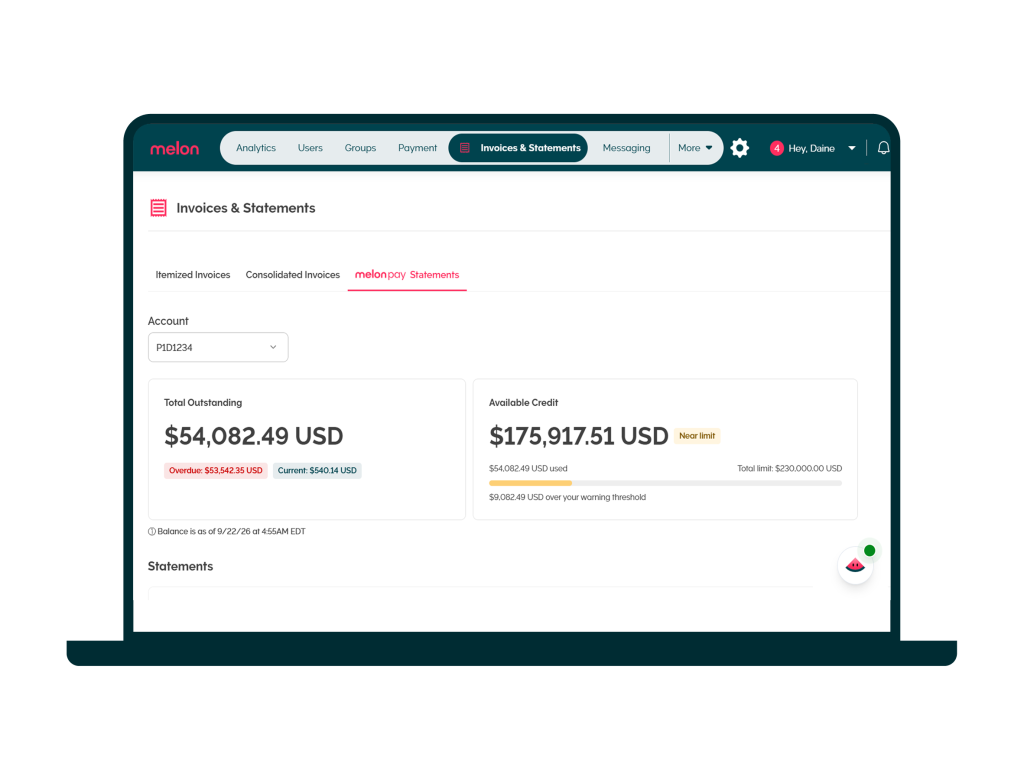
Your CT Pay statements live in the same platform you use to book travel. Open "Invoices and statements" in the menu to see your outstanding balance, your available credit, and every statement in one place. Each statement shows the statement period, amount due, due date, and previous balance, which you can download as a PDF or Excel file.
Close the books faster with your ERP or accounting system
CT Pay already takes expense reconciliation for booked travel off your plate. Pair it with an enterprise resource planning (ERP) or accounting integration, and closing the books is no longer a manual process either. You can automate it, so the whole process from booking to billing to closing the books is taken care of. Browse our integrations marketplace to see which tools you can connect. Already have an expense management system or ERP? We can work with your preferred partners, so you don’t need to move your tech stack. To learn more, connect with your Corporate Traveler sales representative.
How month-end looks different with CT Pay
Without CT Pay | With CT Pay |
|
|
|
|
|
|
|
|
|
|
Keep your existing corporate card with On Card
Love your current card and its rewards? Keep it. With On Card, you book through us and pay with the card you already use, so you don’t have to change your financial stack. But it’s one or the other. You choose CT Pay or On Card, not both. If you’re keeping your existing card, explore the integrations available on our Integration page. To understand all your payment options, visit our Payments & Expense page.
Frequently asked questions
-
What is CT Pay?
CT Pay is Corporate Traveler’s recommended payment solution, allowing hotel and air travel to be booked on account with Corporate Traveler, similar to a line of credit. You book through Corporate Traveler, we pay your flights and hotels, and you receive an itemized statement for your business travel, with an invoice for every booking. At month-end, simply pay the itemized statement you receive from Corporate Traveler for all booked travel within your approved window.
-
How does CT Pay relate to Corporate Traveler and Melon?
Corporate Traveler is the travel management company you book through. Melon is our travel platform, and it’s where CT Pay clients view their statements. CT Pay is the payment solution behind your on-account bookings. The three are related but not interchangeable.
-
What does paying with CT Pay mean for business travel?
Paying with CT Pay means we pay your suppliers when you book, up to your pre-approved limit, and you settle one statement on your billing cycle. You book now and pay later. Subject to credit approval.
-
What is the difference between CT Pay and On Card?
CT Pay lets you book flights and hotels on account with Corporate Traveler, receive an itemized statement with an invoice for every booking, and settle it all in one payment at month-end. On Card means you keep paying with your existing corporate card, under your card provider’s terms. The ability to view statements in the platform is a feature of the CT Pay payment solution specifically. It is not available to customers On Card, who will receive an invoice directly from their card providers.
-
Who can use CT Pay?
CT Pay is available to eligible Corporate Traveler clients in Canada and the U.S., subject to credit approval. Once you apply, we review your credit application. If approved, we agree to payment terms with you at the company level and set up your CT Pay account, and then you can start booking.
-
What does CT Pay cover?
It covers flights and hotels booked through Corporate Traveler. Every booking lands on your consolidated invoice, so nothing falls through the cracks.
-
Do my travelers need a card?
No. Travelers check in with ID, and there’s no personal card charge and no waiting to be reimbursed.
-
What payment terms come with CT Pay?
Terms are agreed with you at the company level when your CT Pay account is set up and depend on credit approval. Your statement shows your payment terms and due date.
-
What does a statement include and can I export it?
It reads like a credit card summary, with the statement period, opening and closing balance, amount due, due date, and previous balance. It’s itemized by trip, traveler, and cost type, with your cost centers. You can download it as a PDF or Excel file.
-
Can I see my balance between statements?
Yes. Your outstanding balance and available credit show in Melon under “Invoices and statements.” They reflect your latest statement, so this isn’t a real-time balance.
-
Can I pay my statement in Melon?
You can view and download statements in Corporate Traveler’s booking and management tool, Melon. The ability to pay your statements directly in Melon is not yet available but planned for a 2027 release.
-
How does CT Pay help with business travel expense reconciliation?
CT Pay replaces scattered card lines and receipts with one itemized, consolidated statement organized by trip, traveler, cost type, and cost center. Finance closes the month from one statement instead of many. CT Pay eliminates the need for an expense reconciliation program for any air and hotel travel booked through Corporate Traveler. That means less time spent reconciling and more time for your teams to focus on what matters.
-
Can I keep my corporate card?
Not alongside CT Pay. There are two ways to pay: CT Pay, or your own existing card. You choose one or the other. If you’d rather keep your card, your rewards, and your existing finance and tech setup, ask us about On Card. To see all your payment options, visit our Payments & Expense page.
-
Does CT Pay replace our expense management software?
For travel on account, you don’t need expense software. CT Pay already handles reconciliation for air and hotels booked through Corporate Traveler with one itemized invoice, so there’s no card feed to maintain and no separate tool to connect. If you’d still like expense or accounting tools in the mix, our integrations marketplace lists the ones you can connect to.
-
How do I get started?
Book a demo or talk to your Travel Manager. We’ll set up your credit account, which is subject to credit approval.
Related resources


